44 shader looks
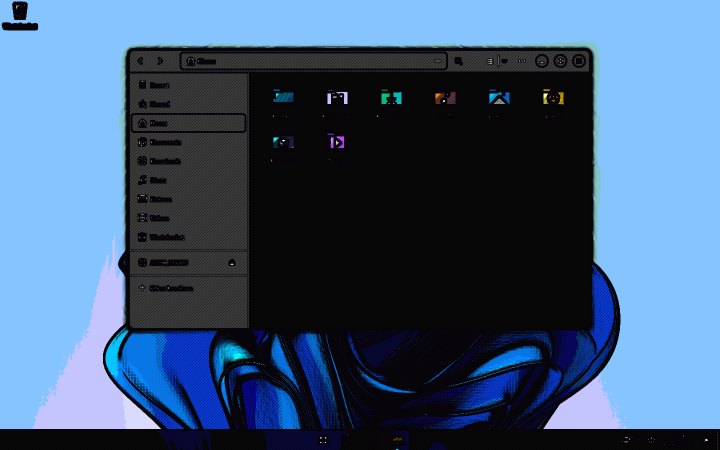
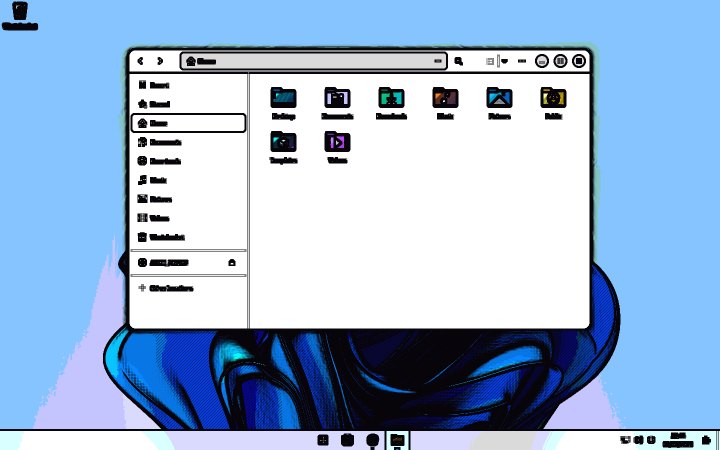
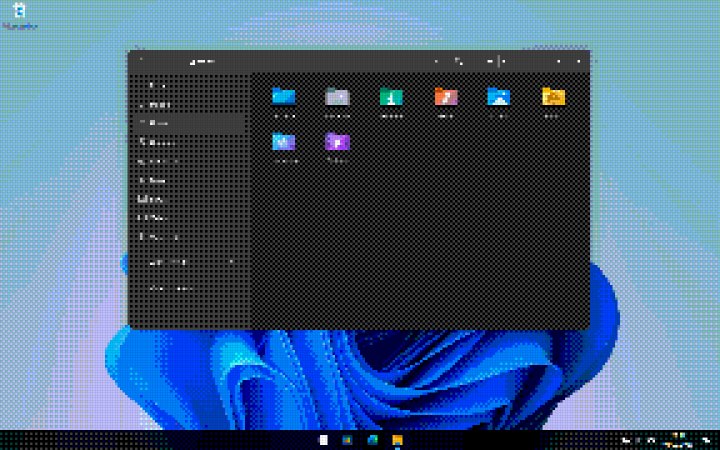
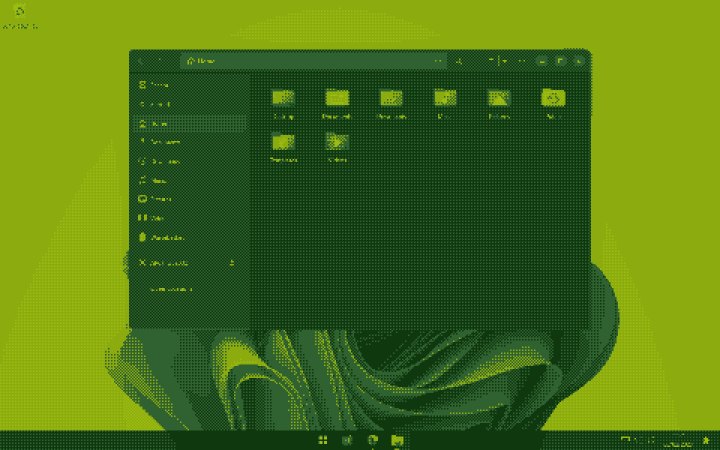
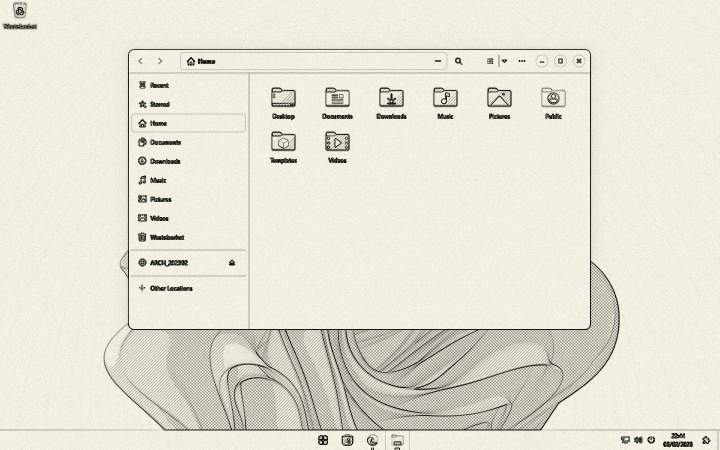
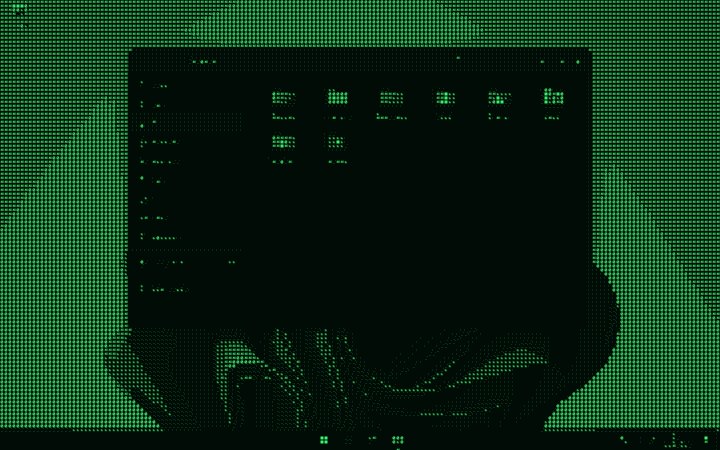
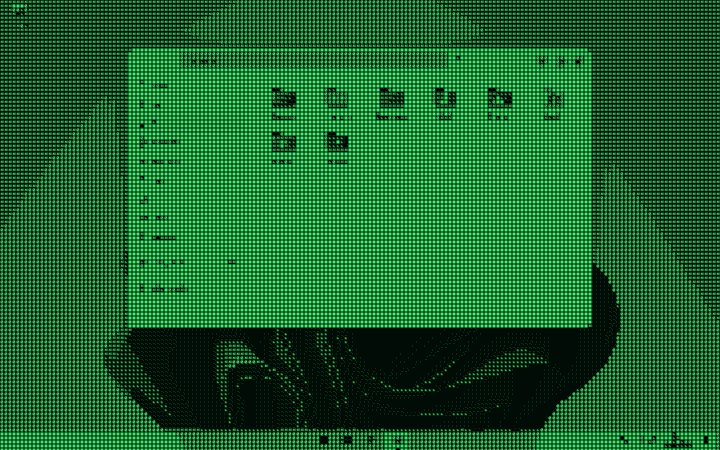
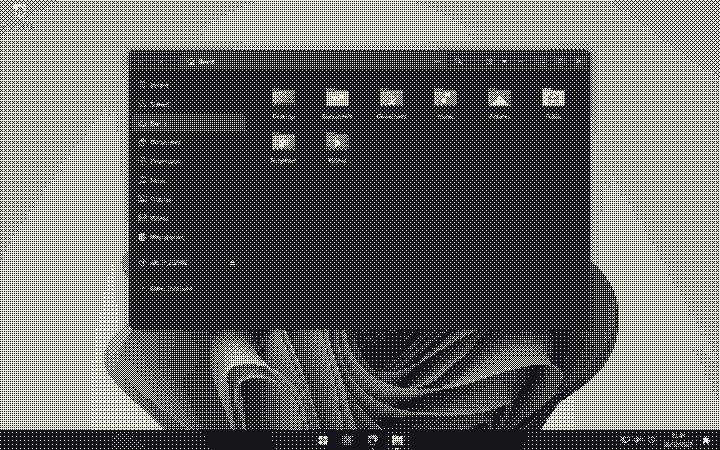
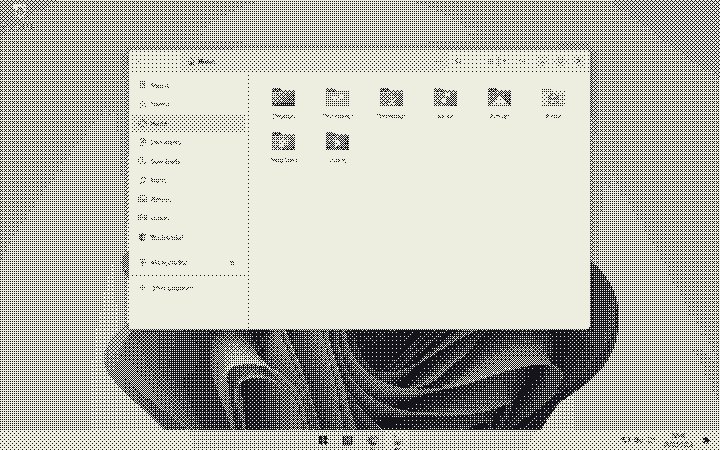
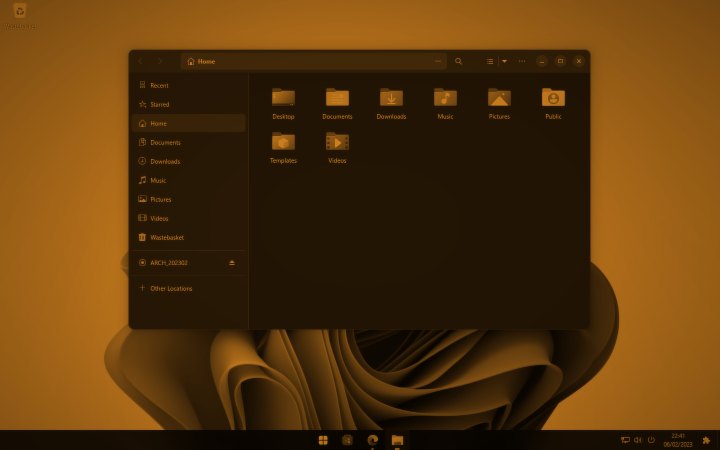
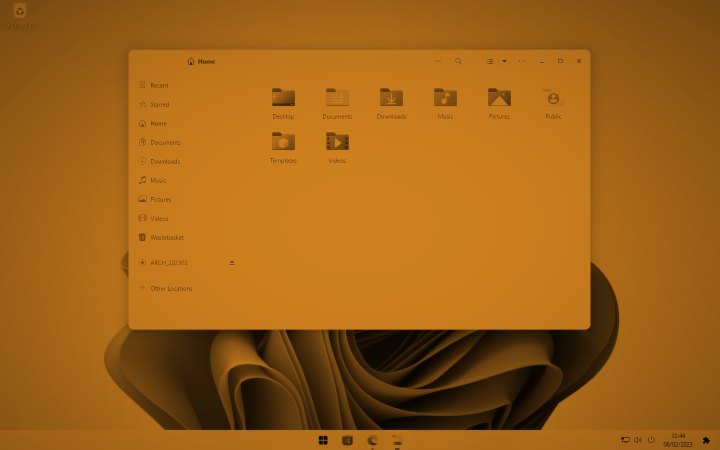
Comic ink, CRT monitor, VHS tape, hologram, curved screen, ASCII terminal, film projector, pixel art, Game Boy, oil painting, pop art and more: they redraw your whole screen.
Launch price · pay once, keep it forever
Glowmy Pro adds cinematic colour, glass reflections, music that lights up your screen, living backgrounds and your own code looks, on up to 3 PCs.
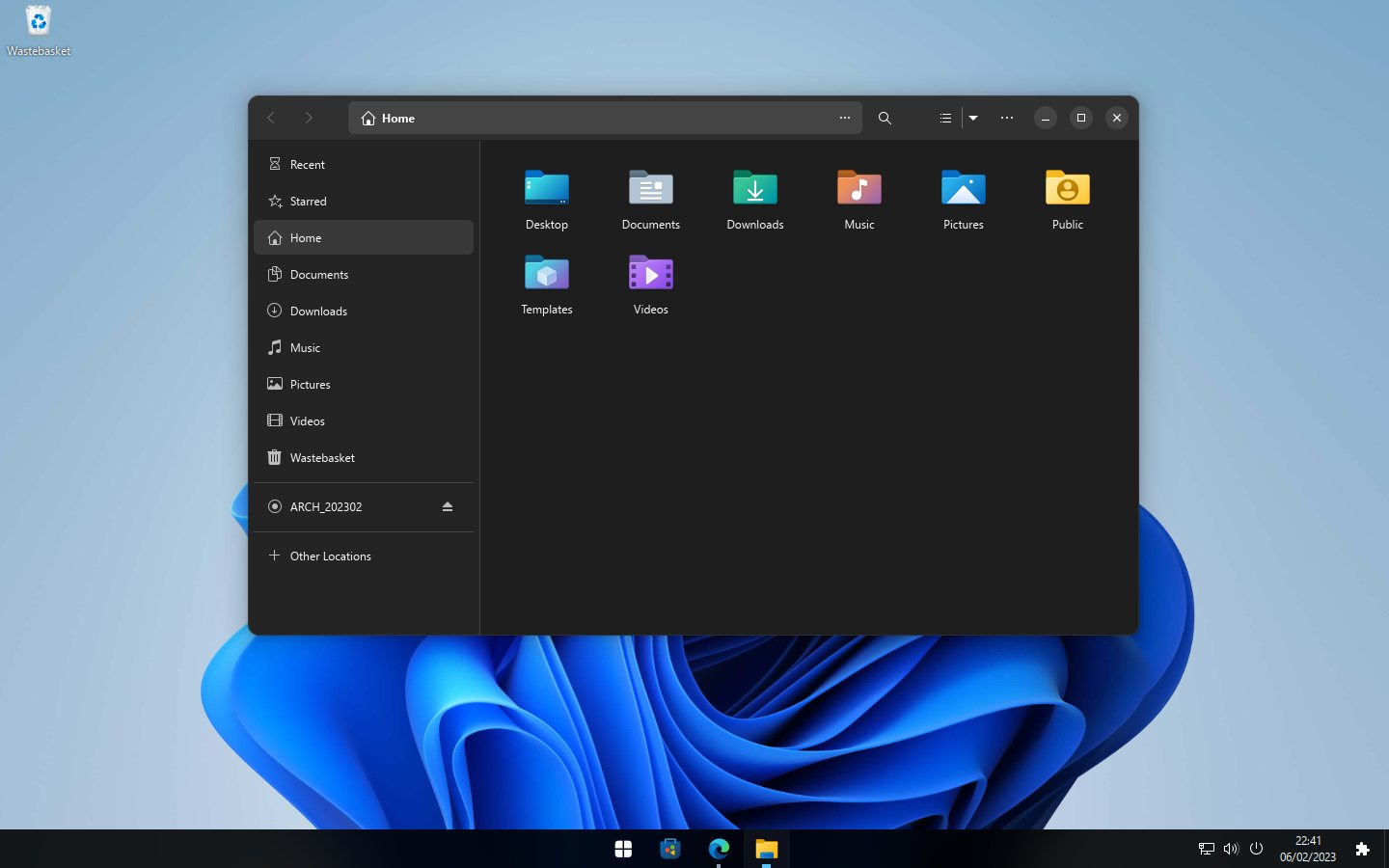
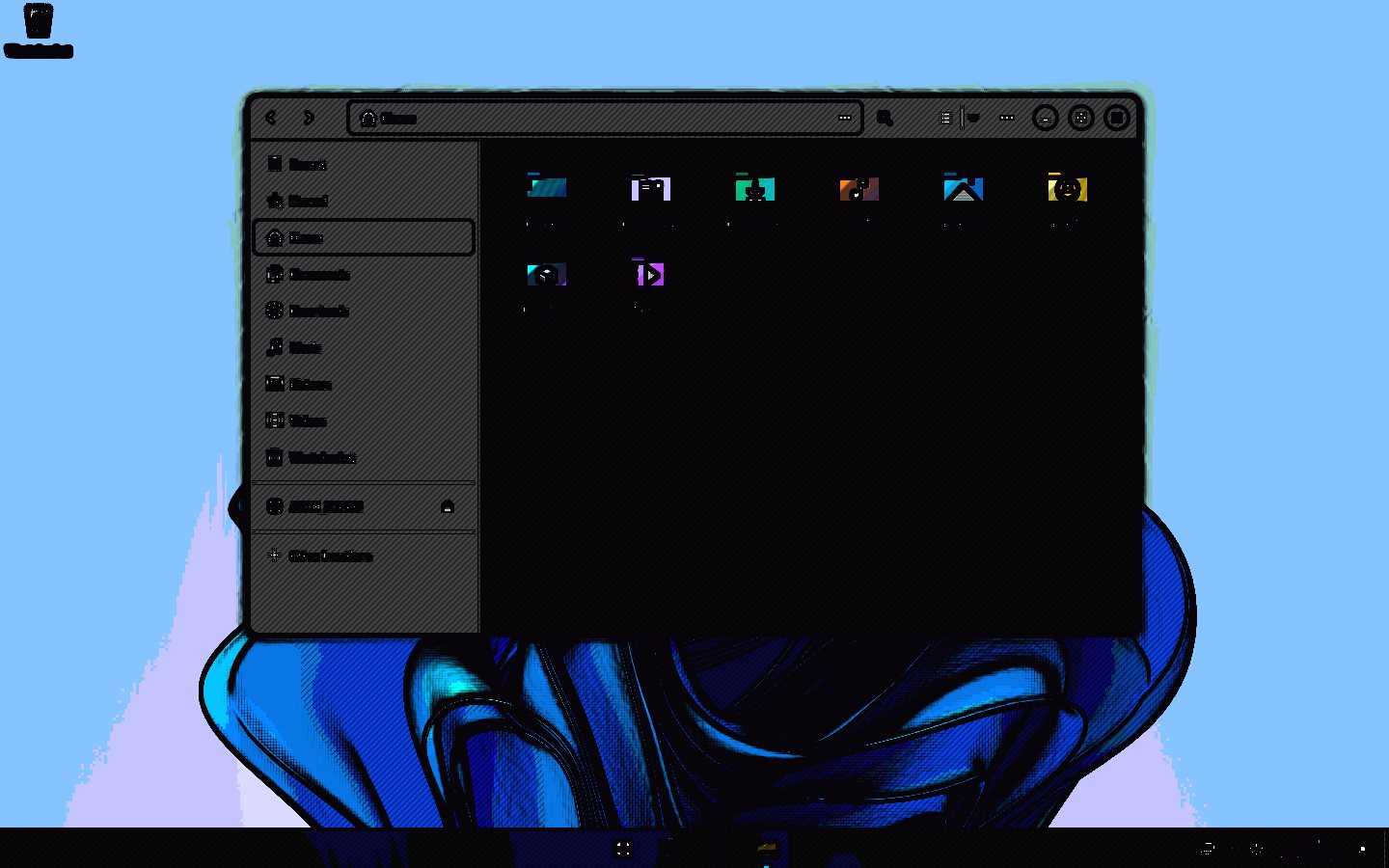
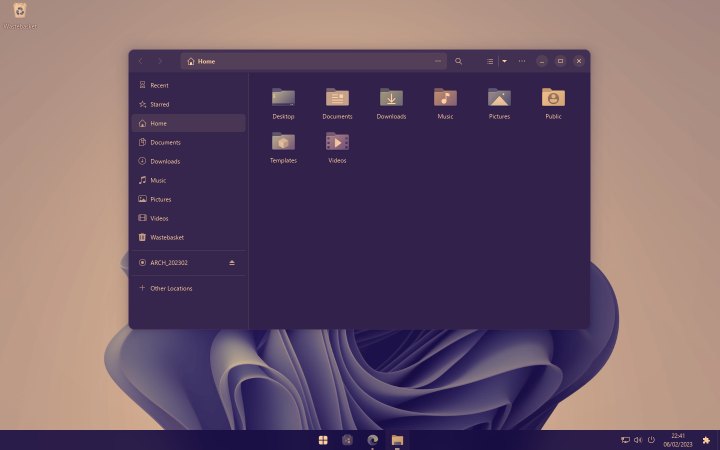
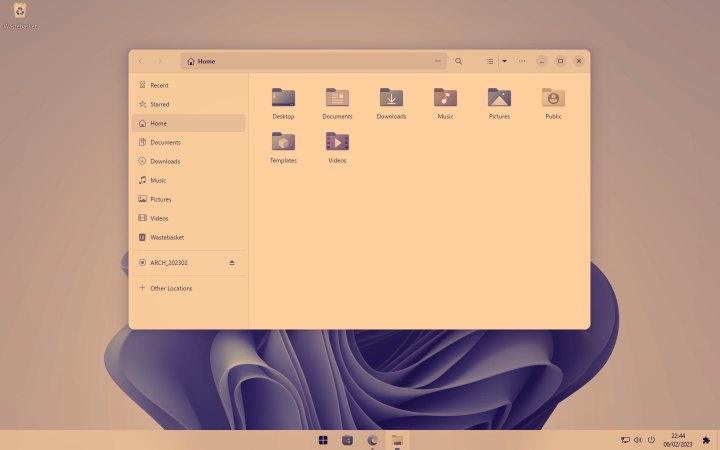
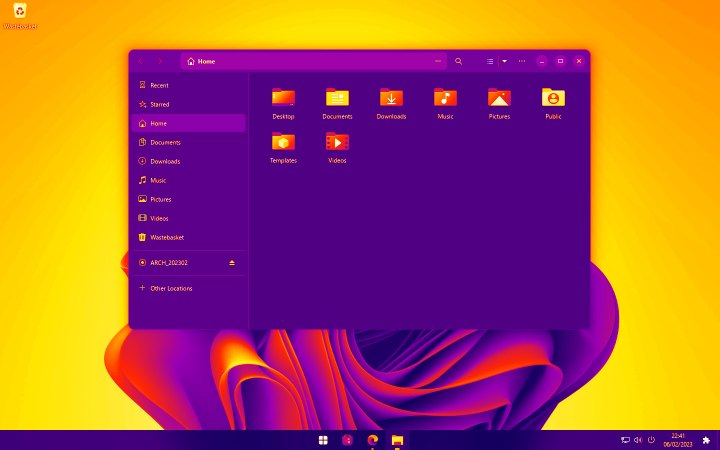
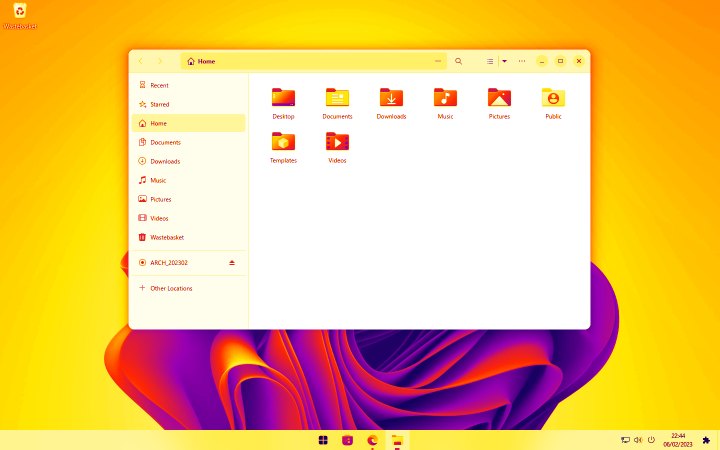
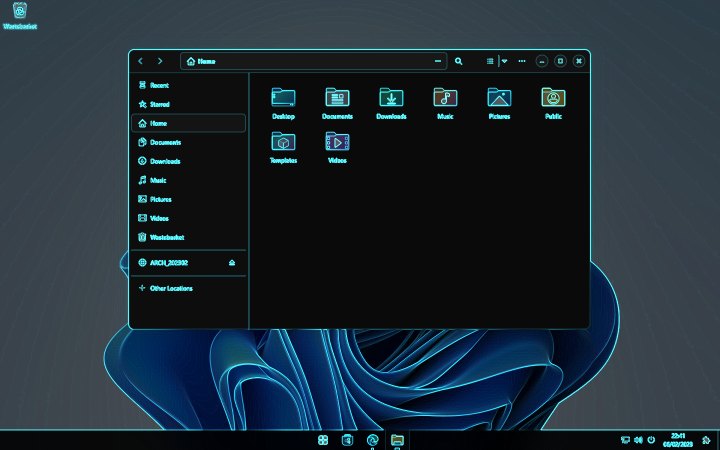
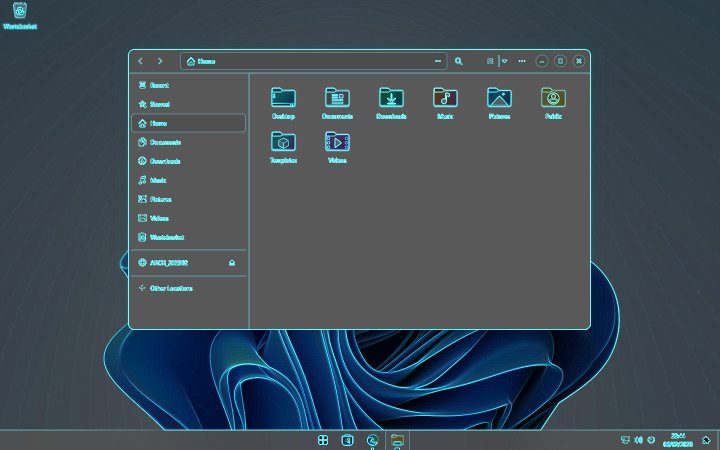
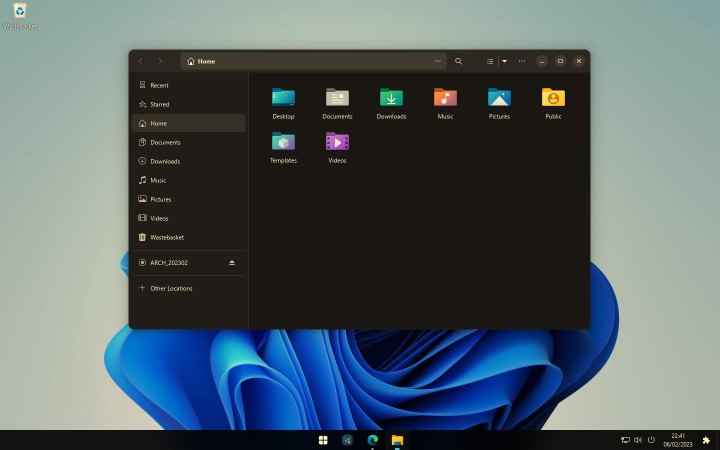
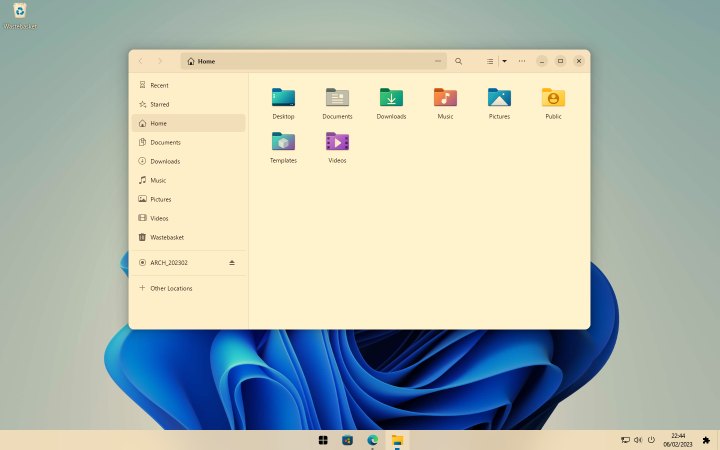
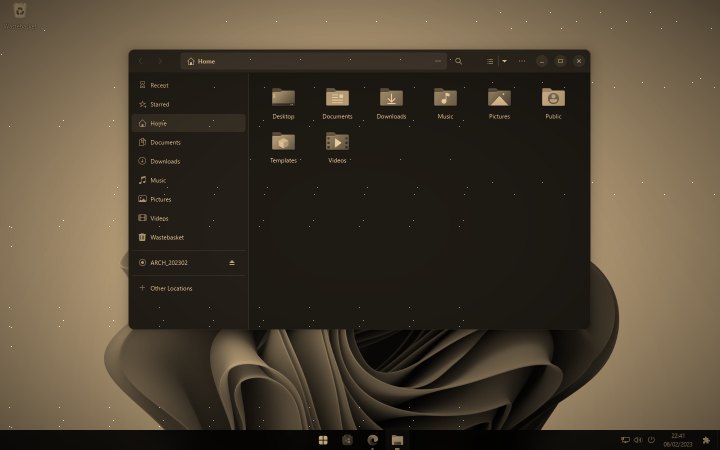
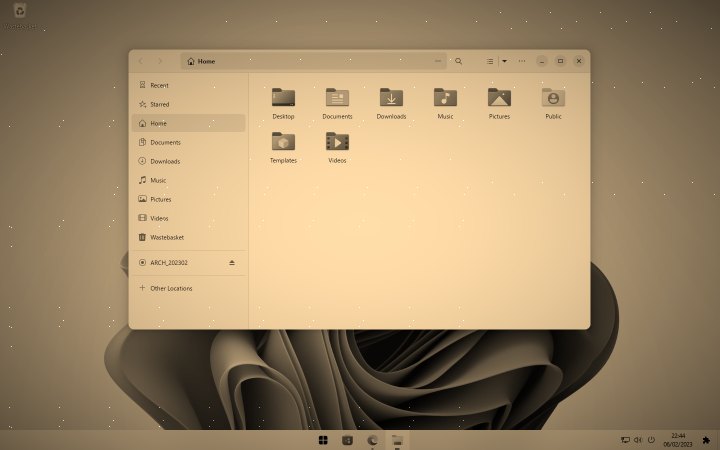
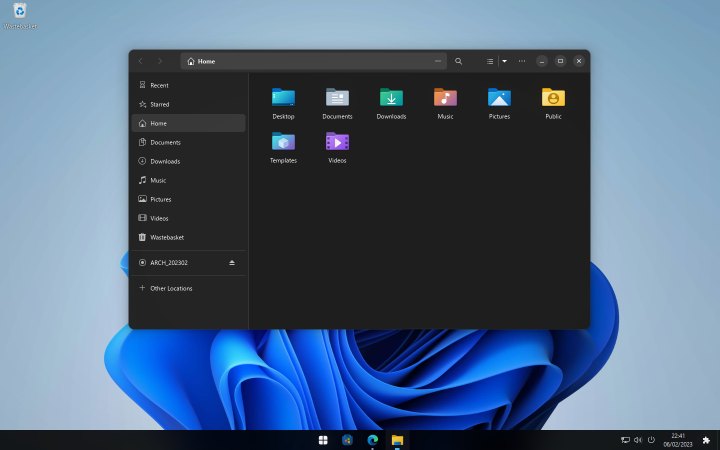
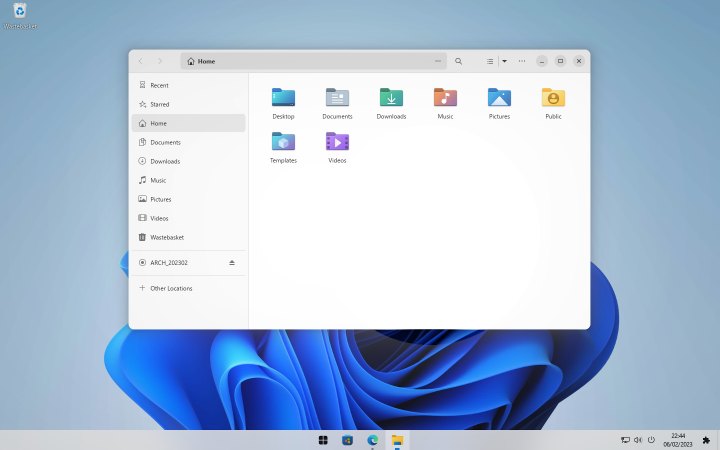
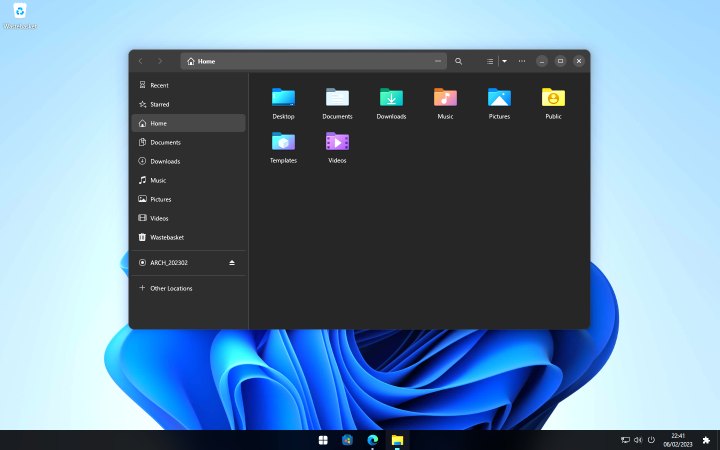
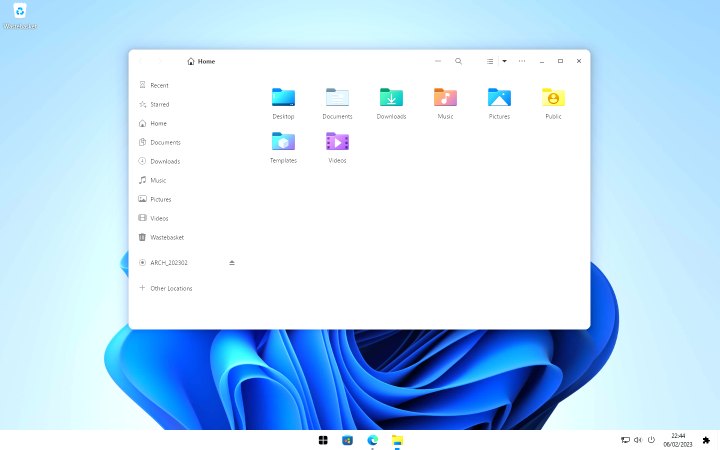
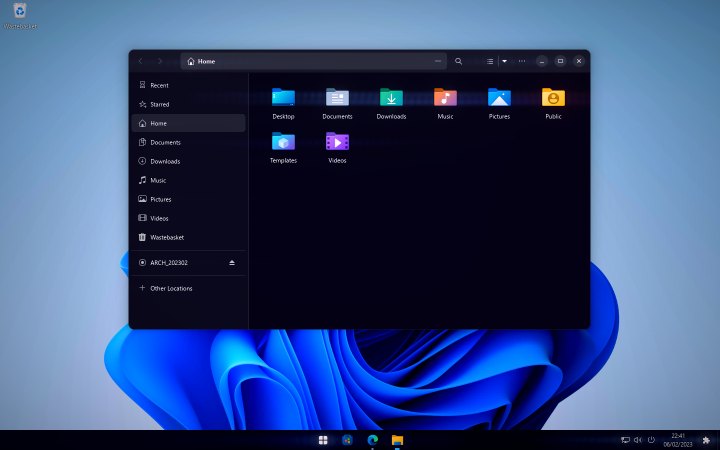
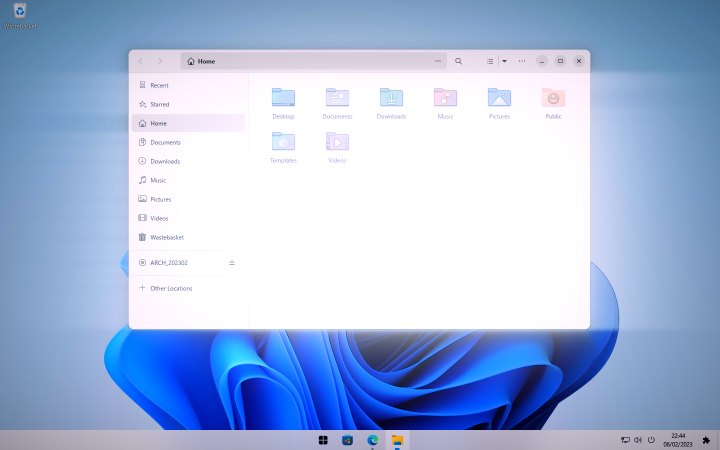
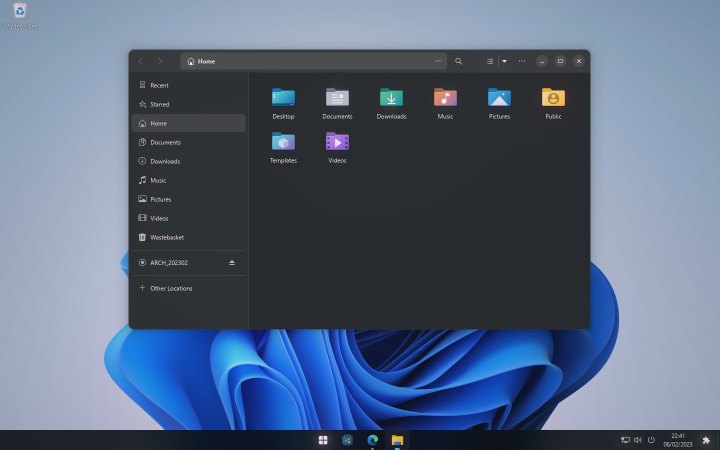
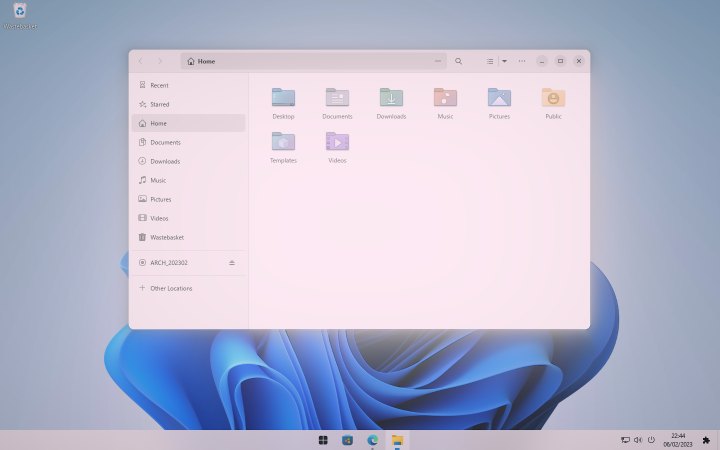
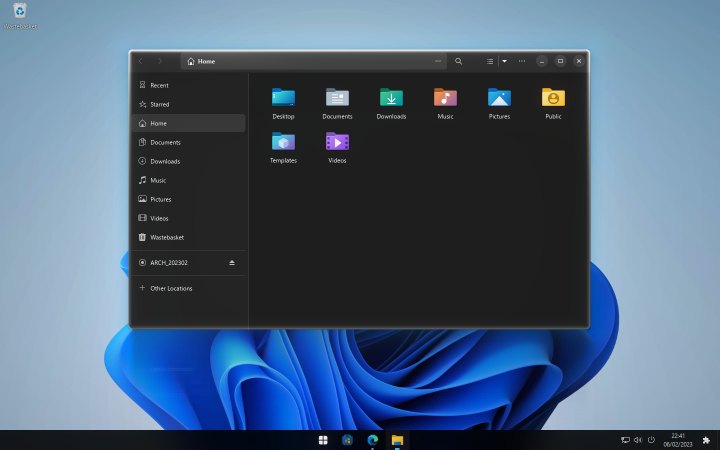
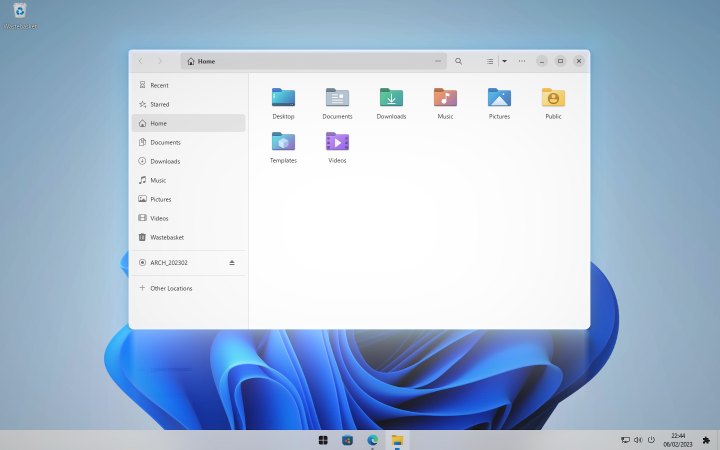
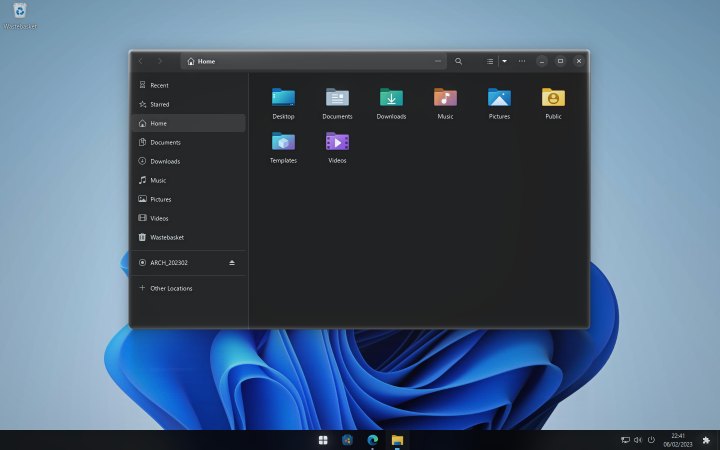
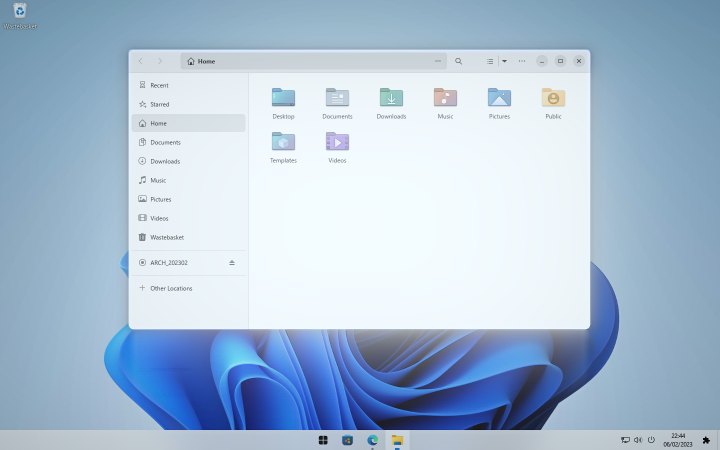
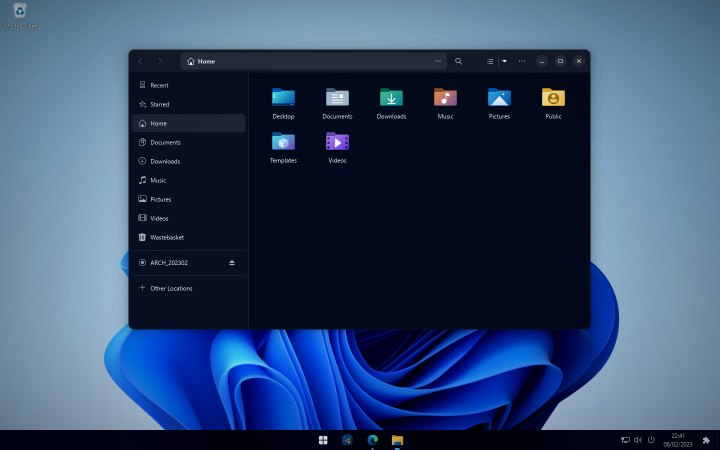
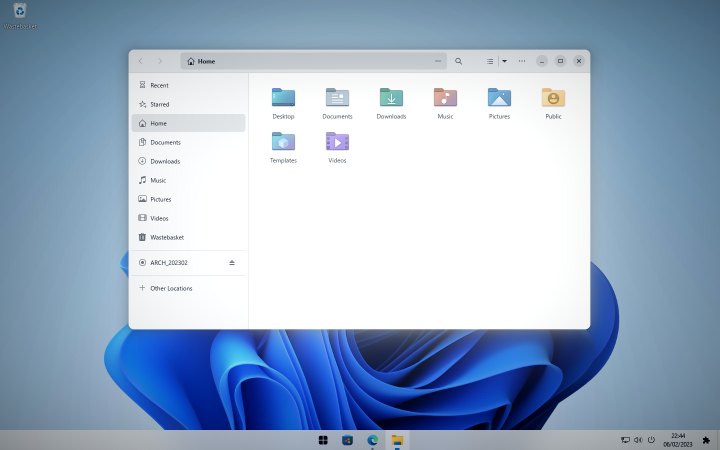
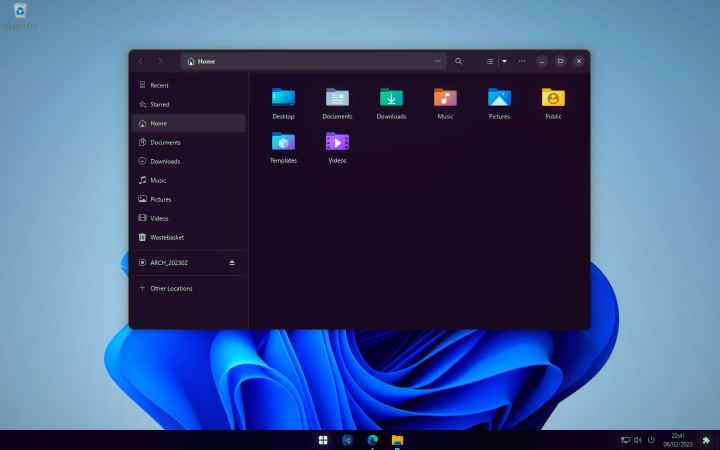
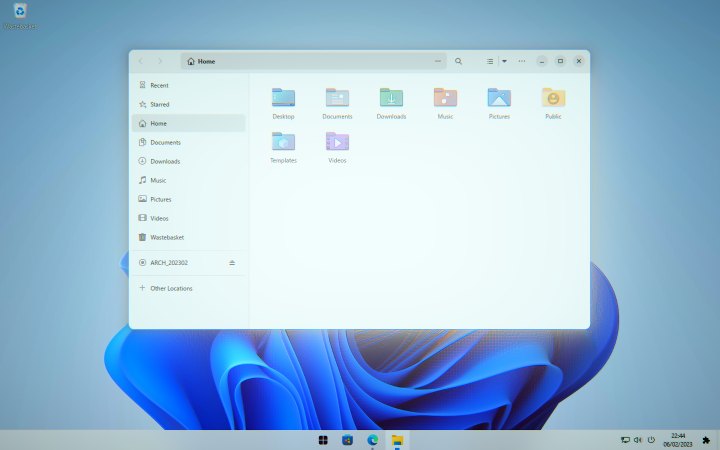
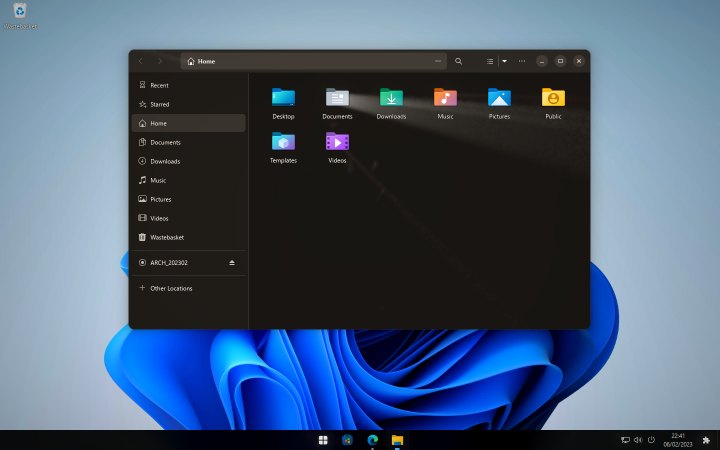
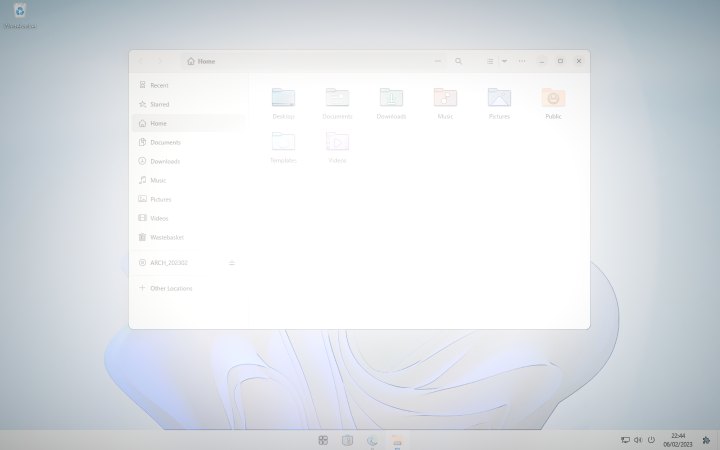
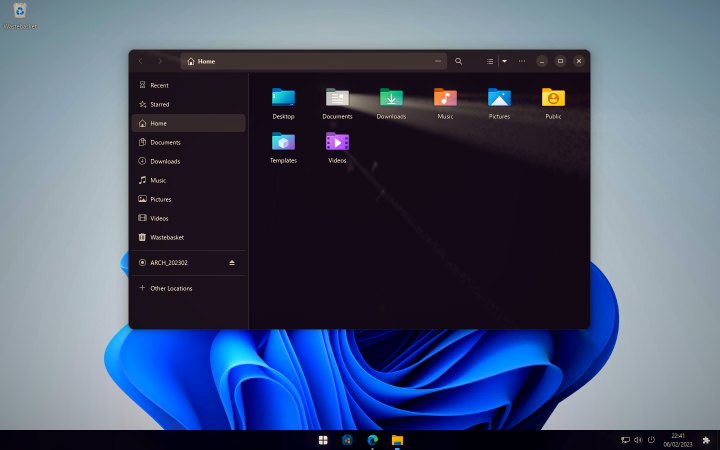
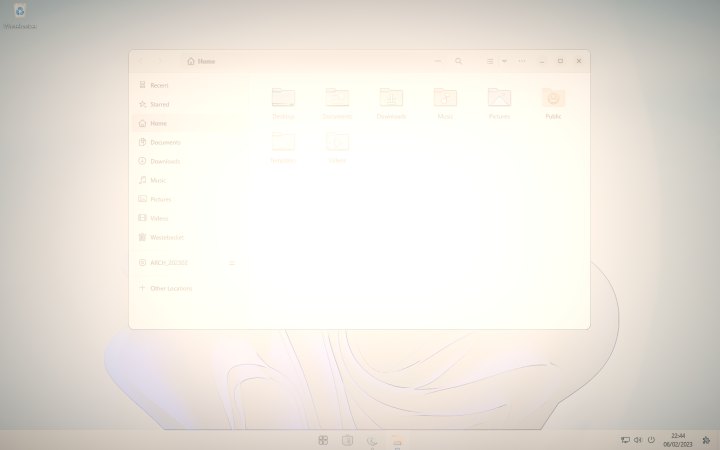
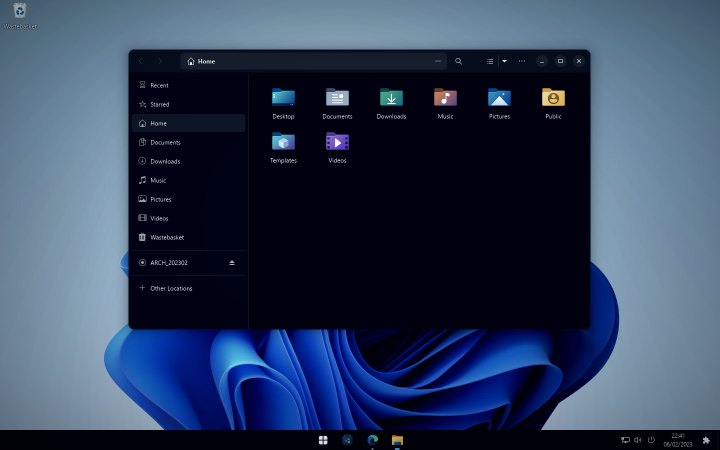
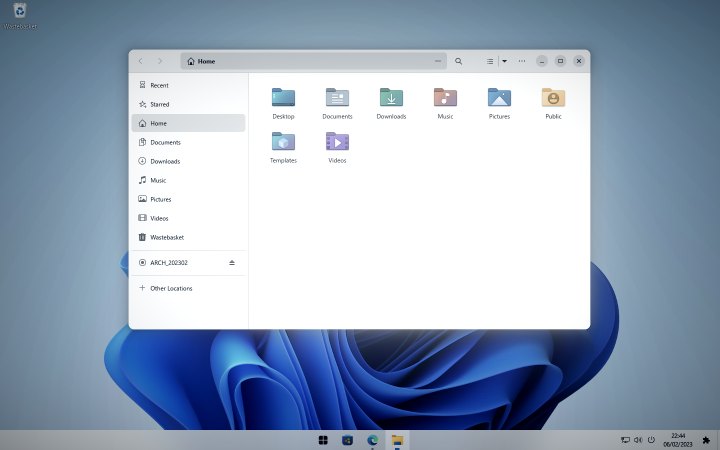
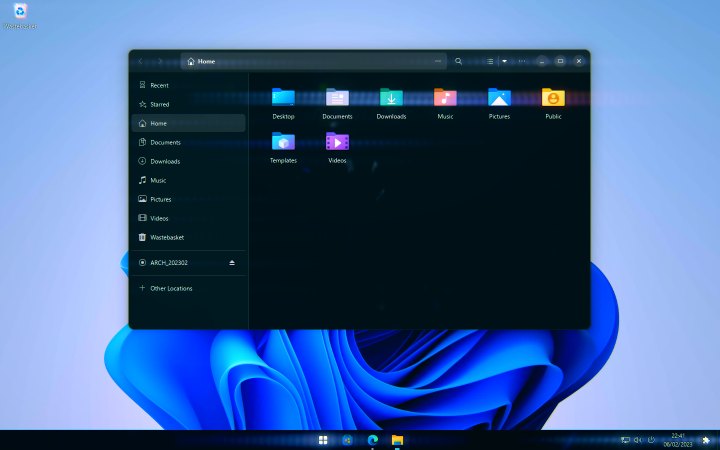
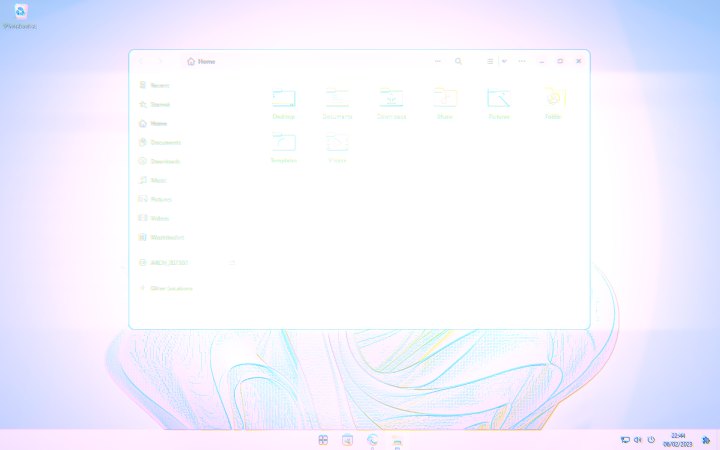
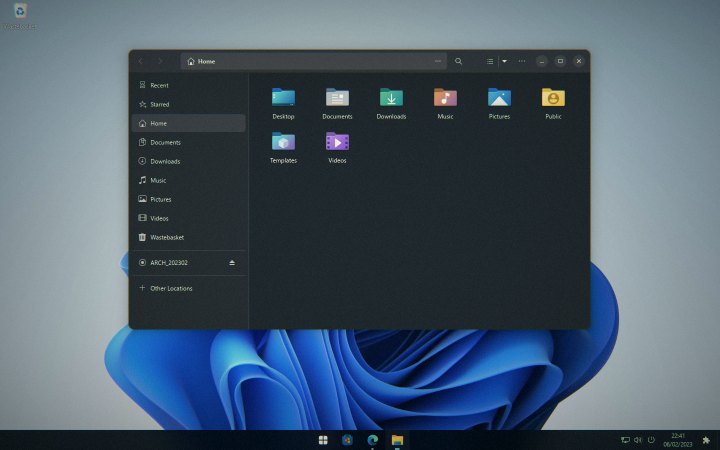
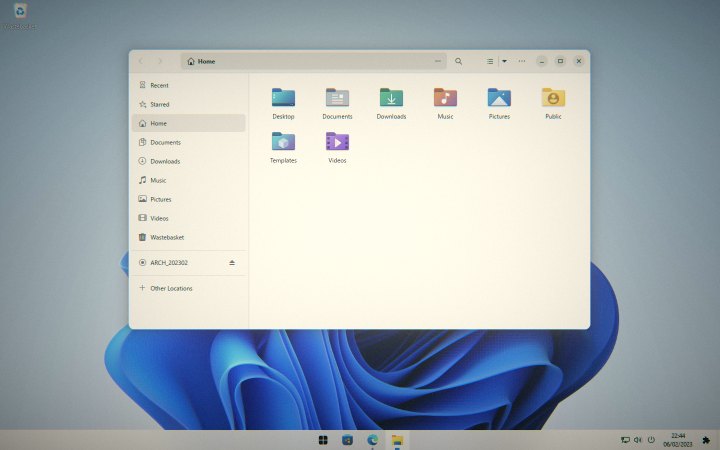
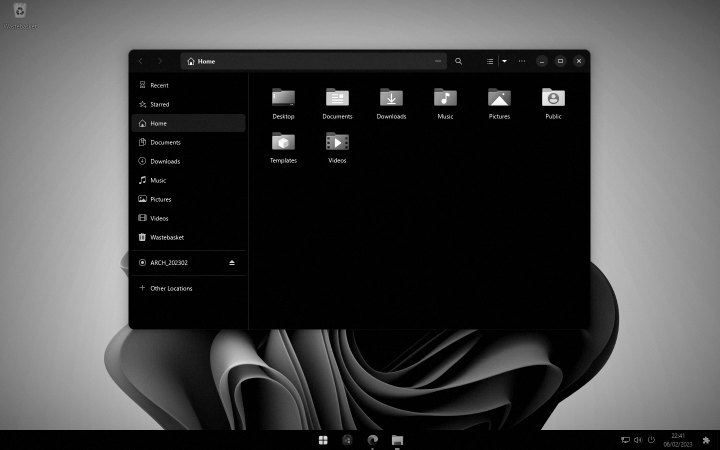
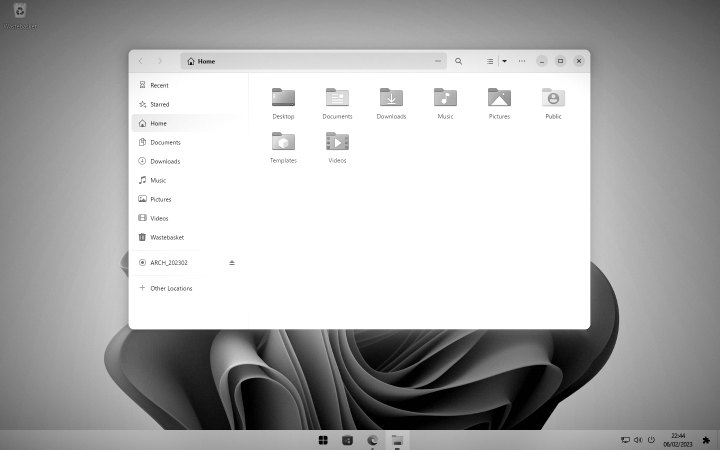
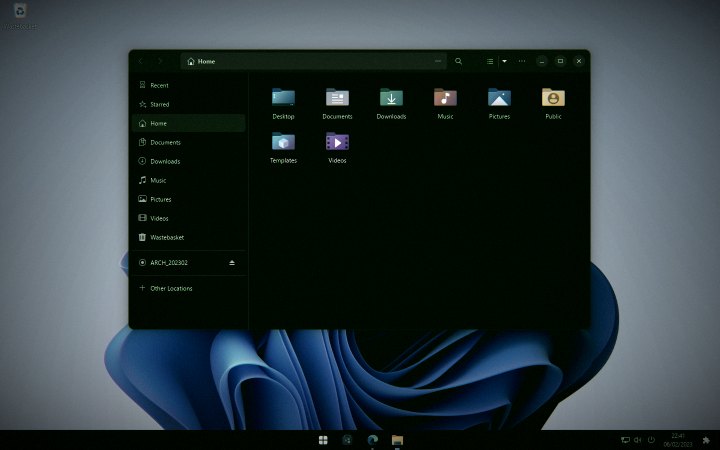
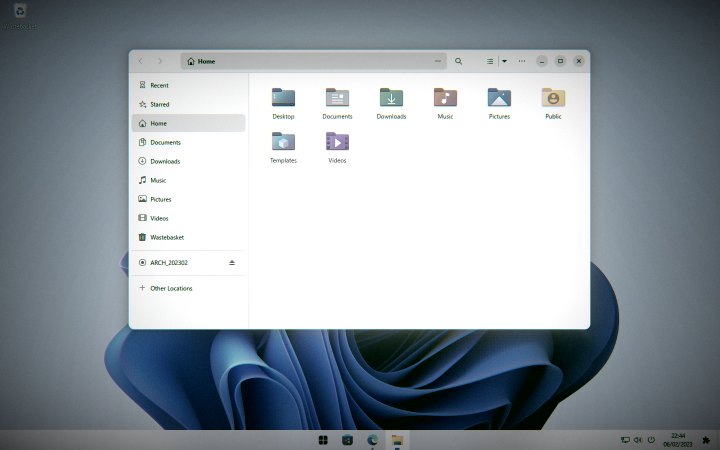
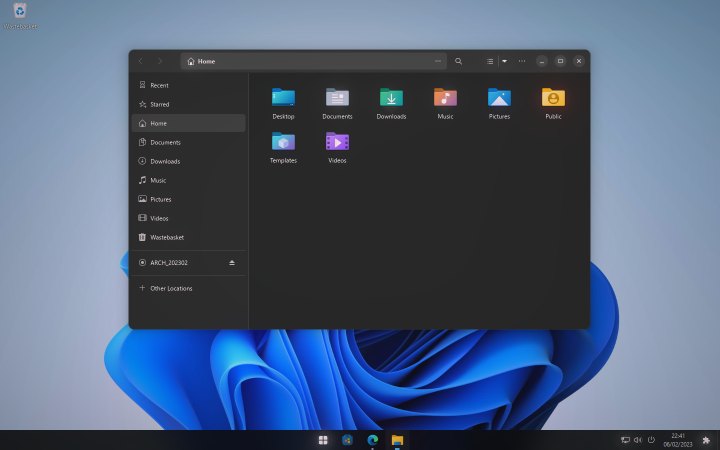
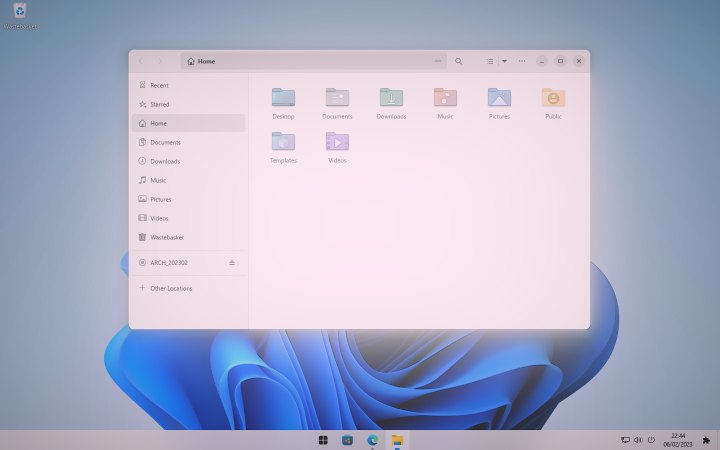
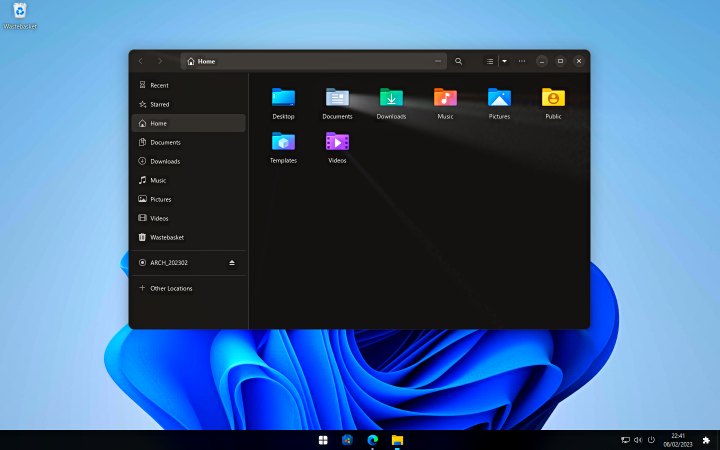
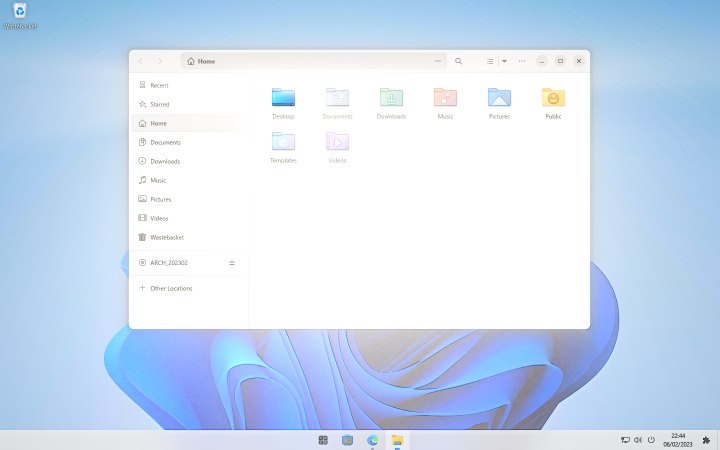
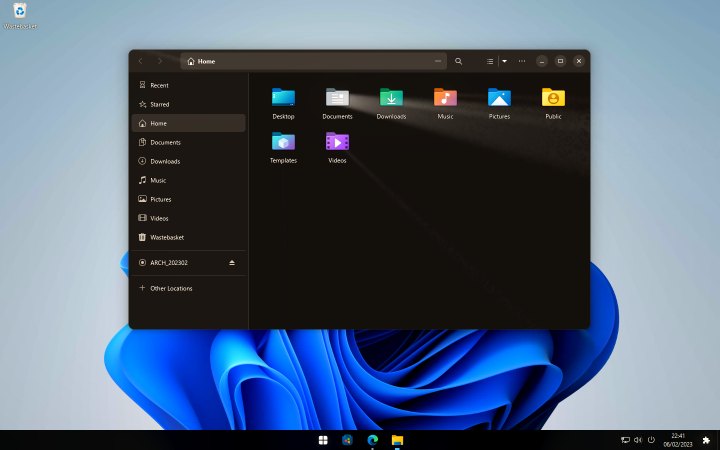
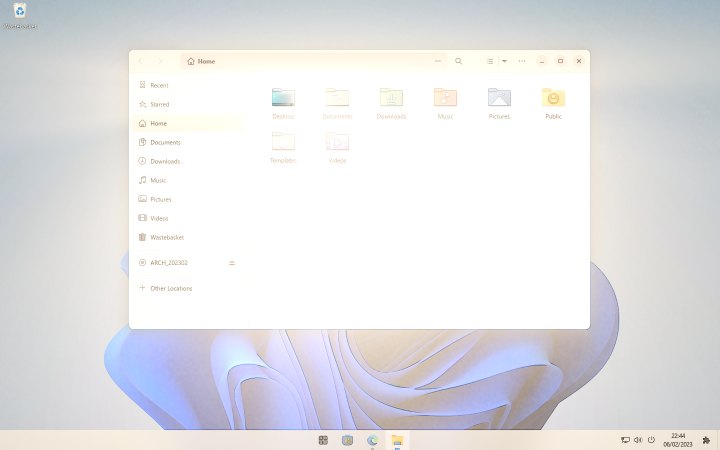
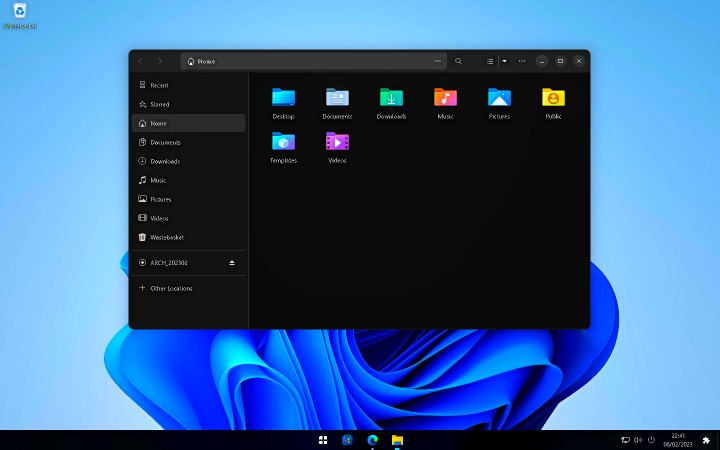
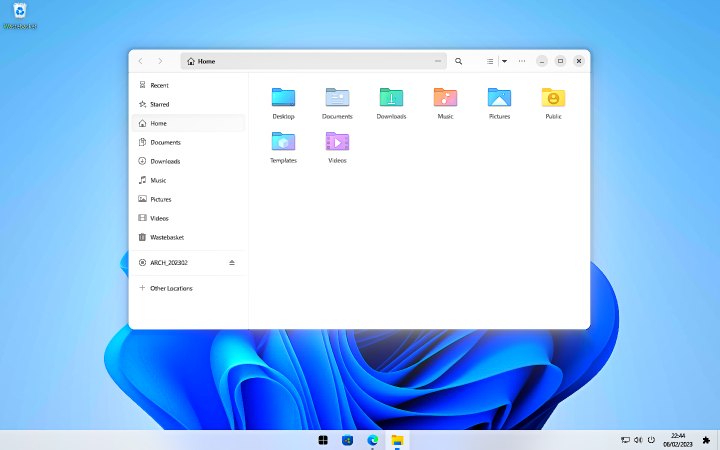
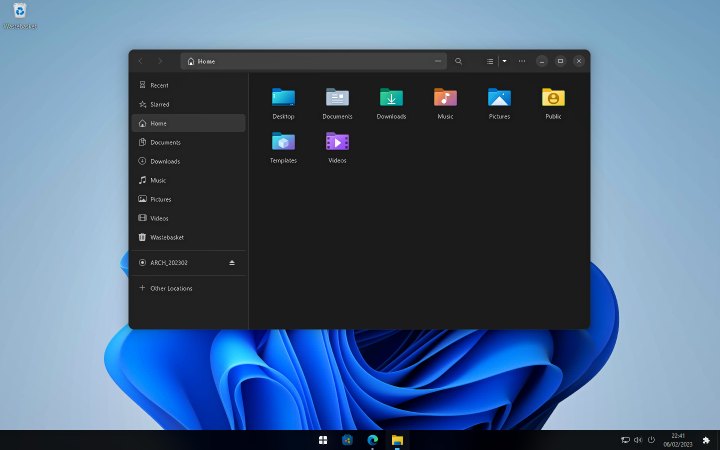
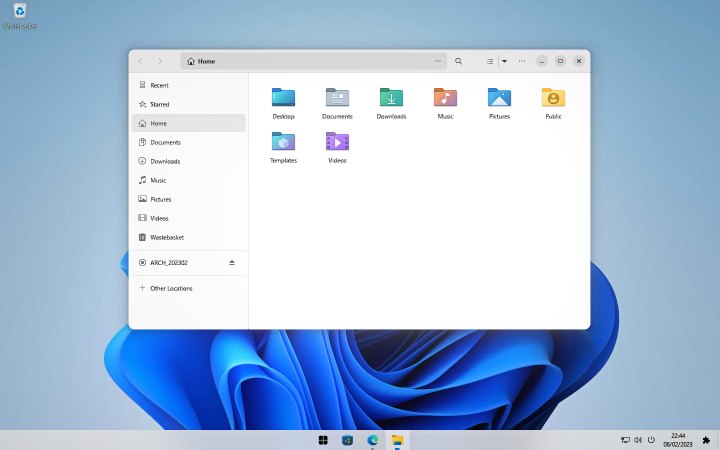
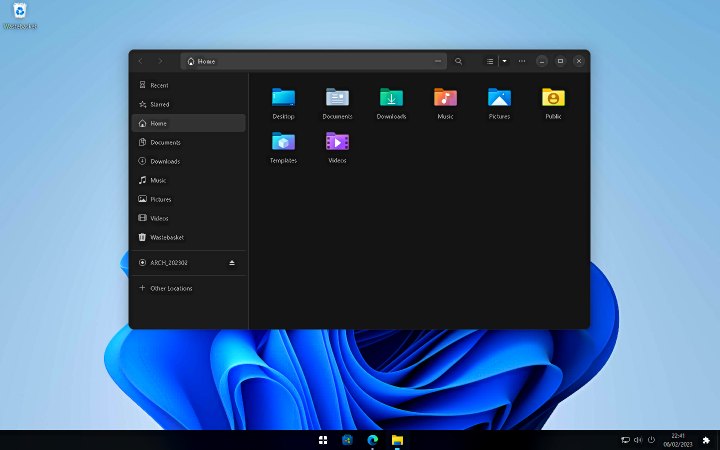
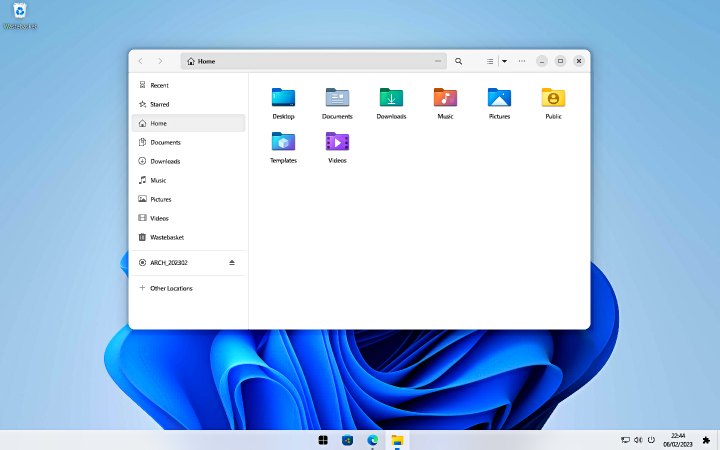
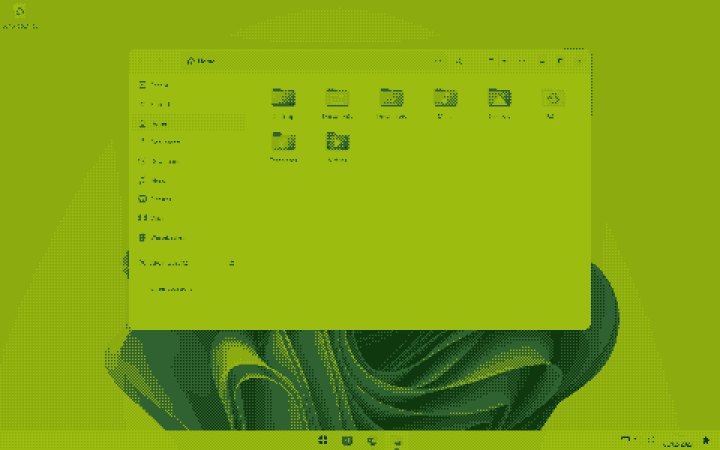
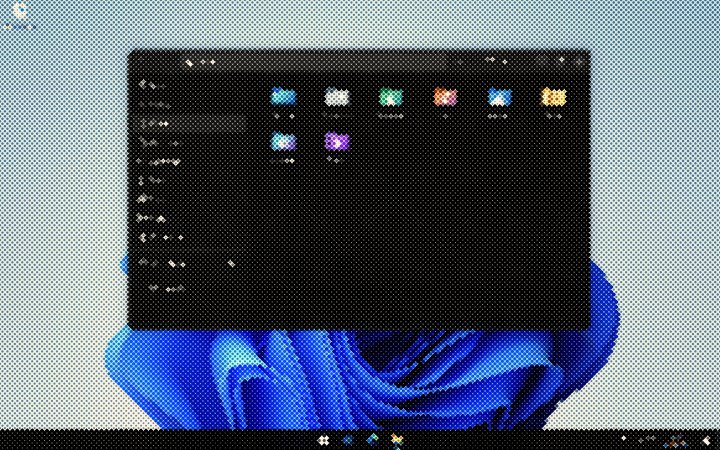
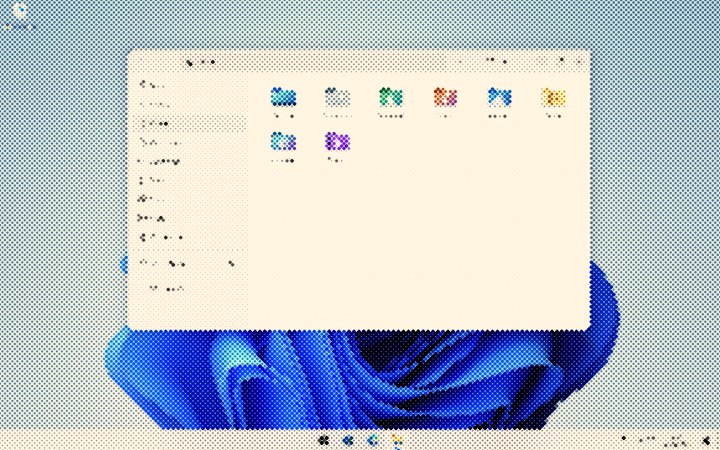
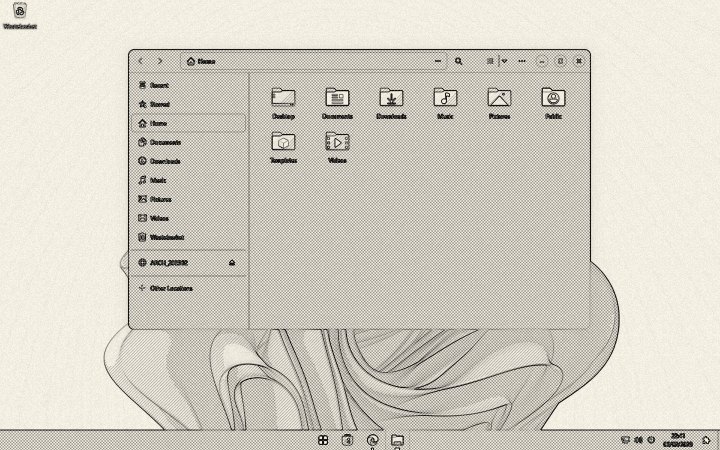
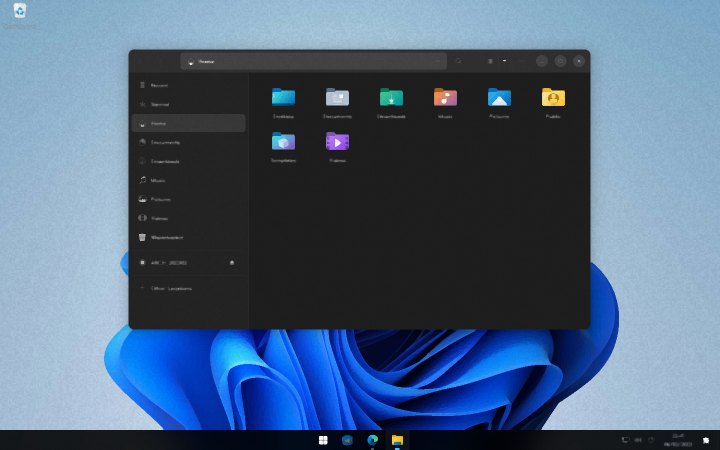
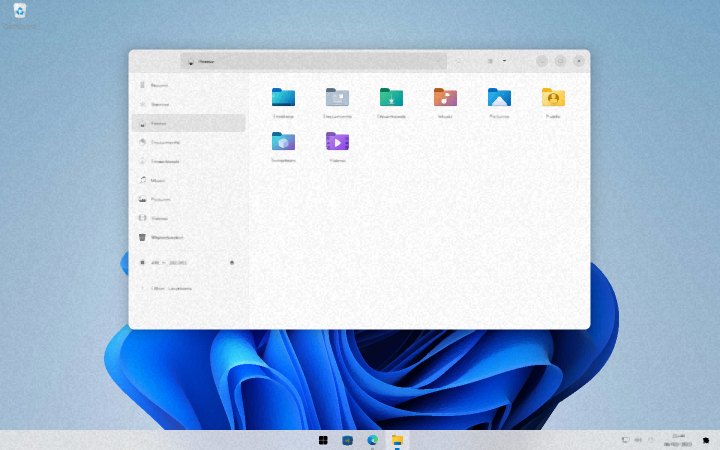
Drawn by Glowmy Pro on a real Windows 11 desktop. Drag to compare, pick a look, switch between dark and light mode.
Comic ink, CRT monitor, VHS tape, hologram, curved screen, ASCII terminal, film projector, pixel art, Game Boy, oil painting, pop art and more: they redraw your whole screen.
Colour grading, light rays, lens flares, sharpening, and ready looks like Neon Night, Sakura, Rainy Night and Campfire.
Windows reflect the light around them, with soft glass edges and a shine on buttons. On every window, or the desktop only.
A circle visualizer, an LED equalizer, a laser show, disco lights and an oscilloscope; the whole desktop ripples like water, shatters, zooms, beats like a heart or glitches to the beat, plus 8 glow styles. Works with any app that plays sound.
Galaxy, Matrix rain, fireflies, snow, sakura petals, embers and more fill only the empty parts of your screen and never cover text.
Write a look in a few lines of shader code, start from 8 examples, and share it with the community. Every shared code look is reviewed by our team.
Effects on one game window only, with looks that switch on by themselves when that game is in front.
Water ripples that spread from your cursor and fade softly, or a glass lens that magnifies what you point at.
Record your screen with the effects and your PC's sound to MP4, with its own hotkey. No extra software needed.
Every look the community shares, including game looks and code looks, and you can share your own.
Describe a mood in words and Glowmy designs a look for it. Monthly AI credits included.
Plus every Glowmy Free feature, multi-monitor support, screenshots to the clipboard and ShareX, saving your own looks, and every future update.
A few lines of HLSL turn your screen into anything. These come ready to use and edit.
Try Glowmy Pro for 30 days. If it is not for you, write to us and get your money back. No hoops. See the refund policy.
No. Lifetime is one payment. The Monthly Pass is also one payment for 30 days and never charges you again; buy another one if you want more time, or upgrade to Lifetime whenever you like.
Right after payment you get an email with your license key and a personal download link. Install Glowmy Pro, open the License page, paste the key. Done.
If Glowmy Free runs well, Pro will too. Try Free first: it costs nothing.
Yes, on up to 3 PCs at the same time. Move it between PCs from your account page.